
Free · takes about 30 seconds
Put Coherence Daddy on your phone
No app store. Nothing to download. You add this site to your home screen once, and it opens full screen like an app — with the face icon right next to your other apps.
On a computer? Open coherencedaddy.com on your phone, then follow the steps below.
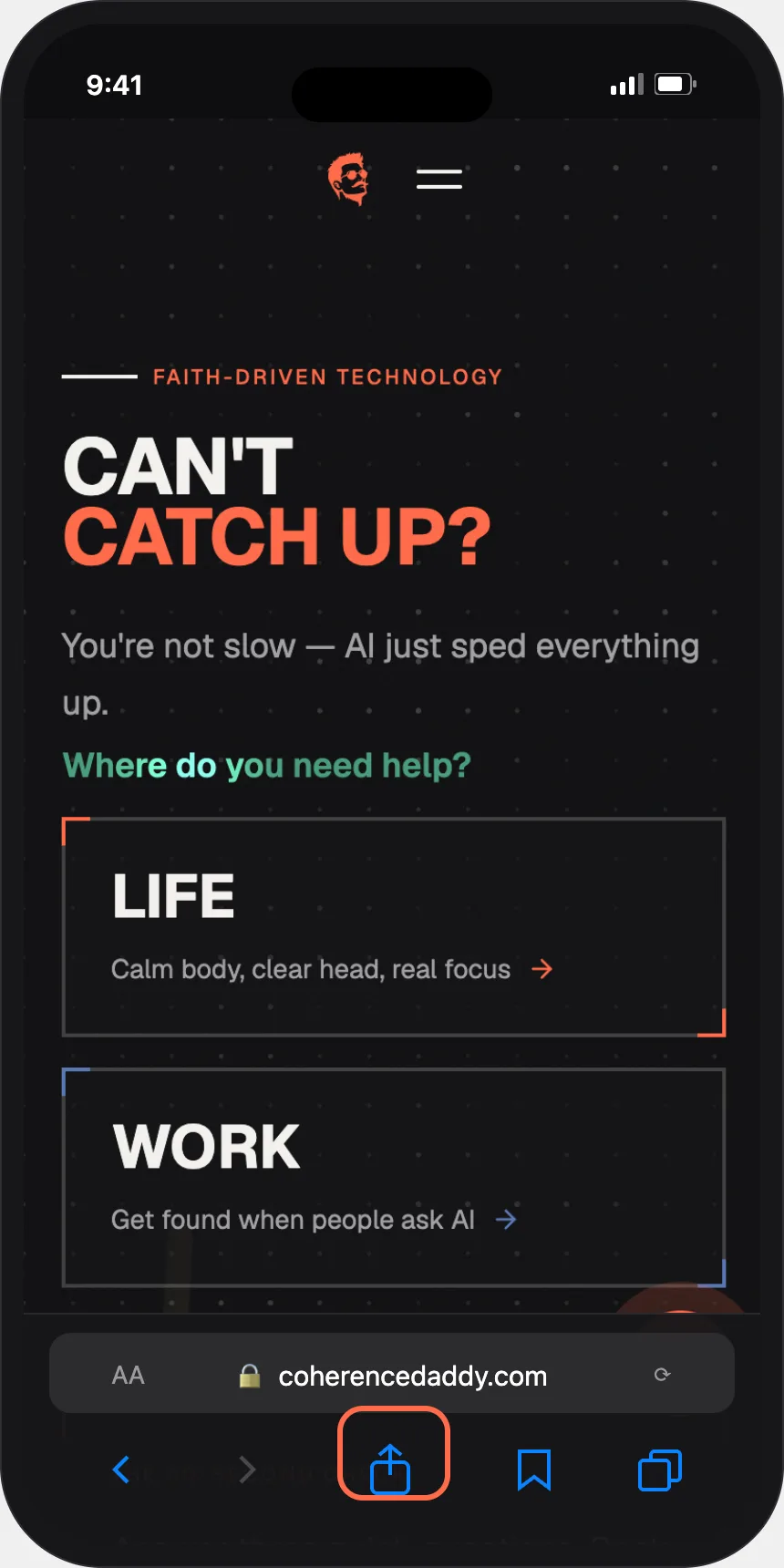
Open coherencedaddy.com in Safari.
It has to be Safari — other browsers can't add icons on iPhone.
Tap the Share button.
The little square with an arrow pointing up, at the bottom of the screen.
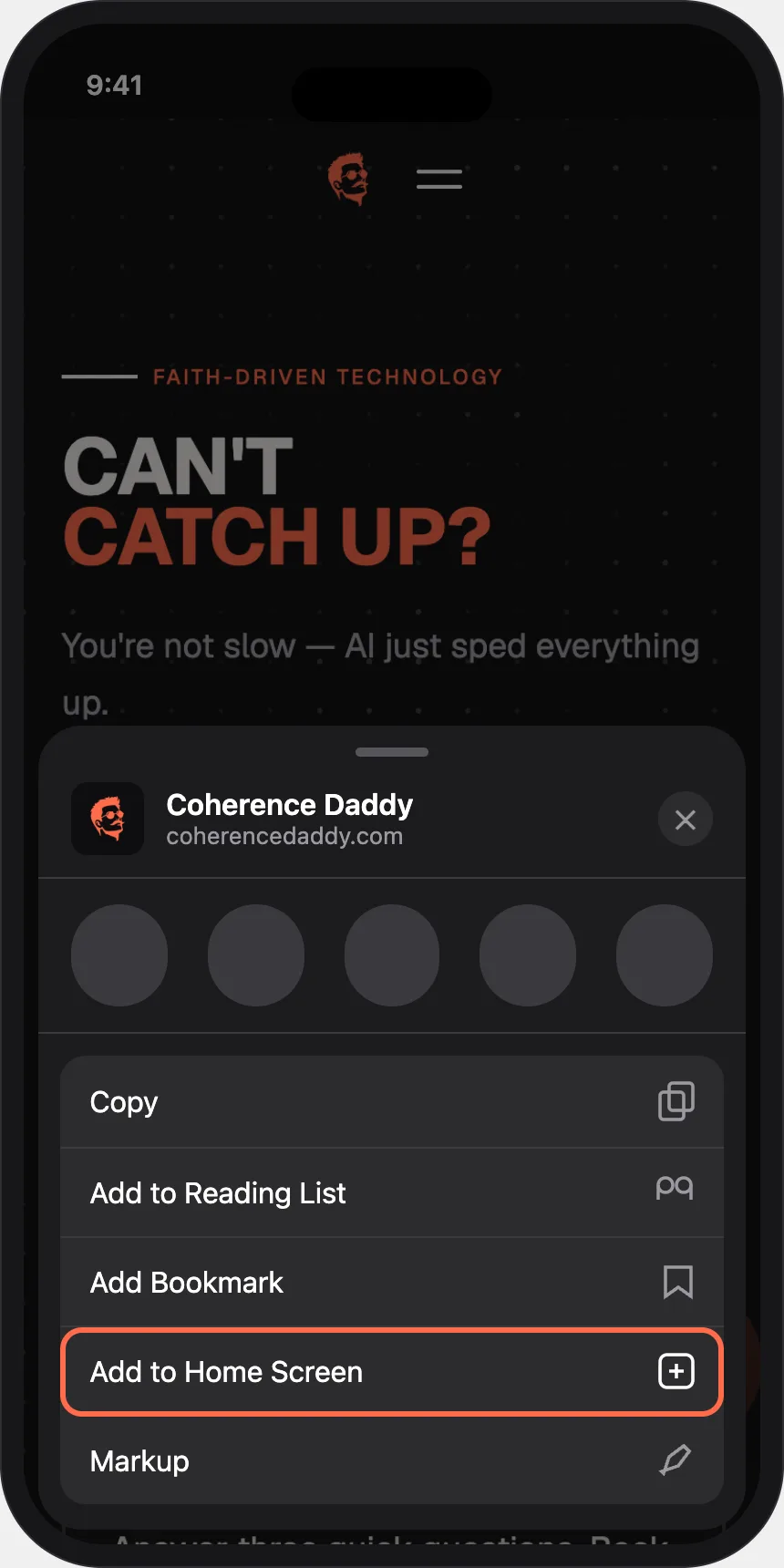
Tap "Add to Home Screen."
Scroll down the list a little if you don't see it right away.
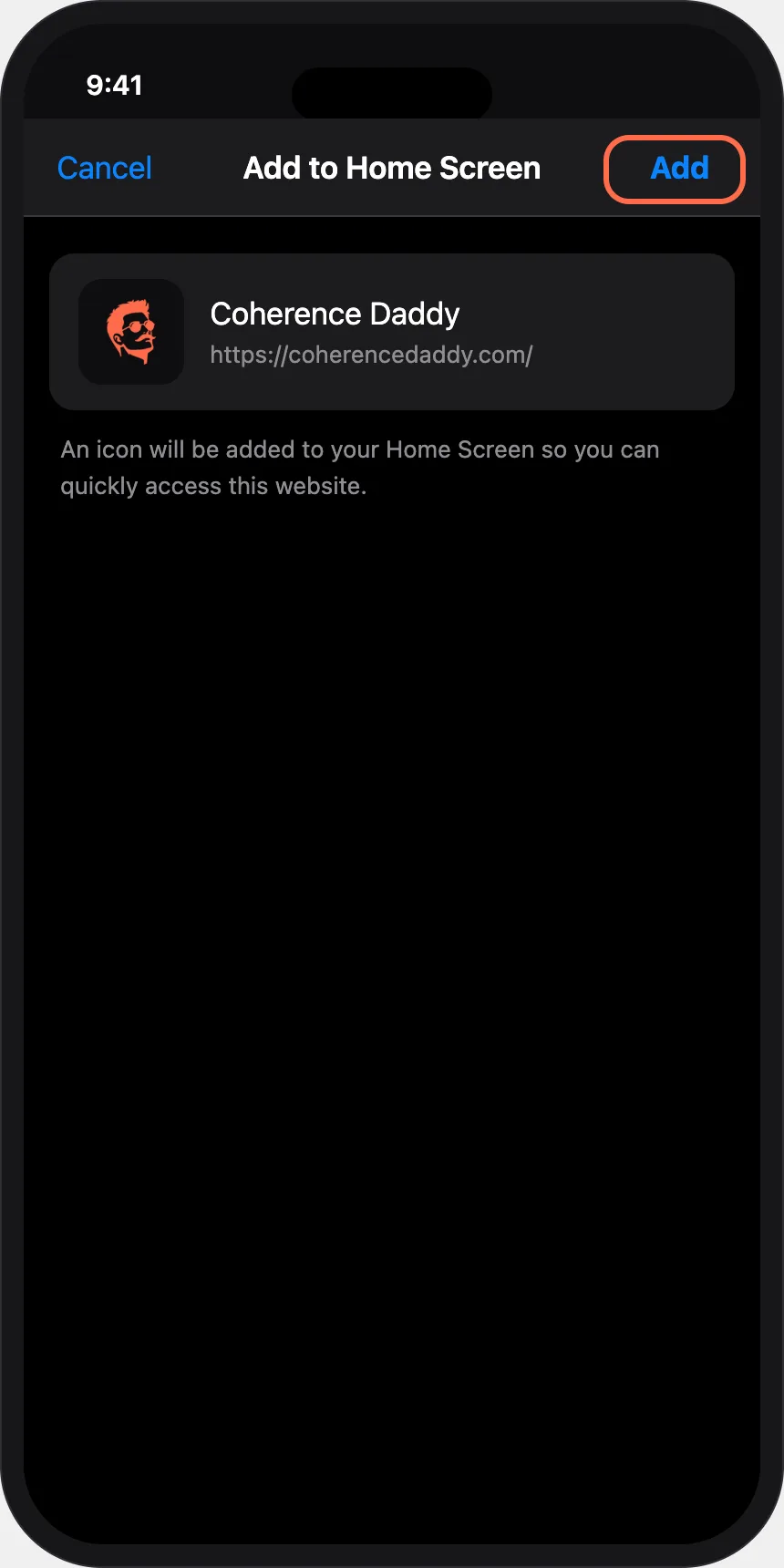
Tap "Add" in the top corner.
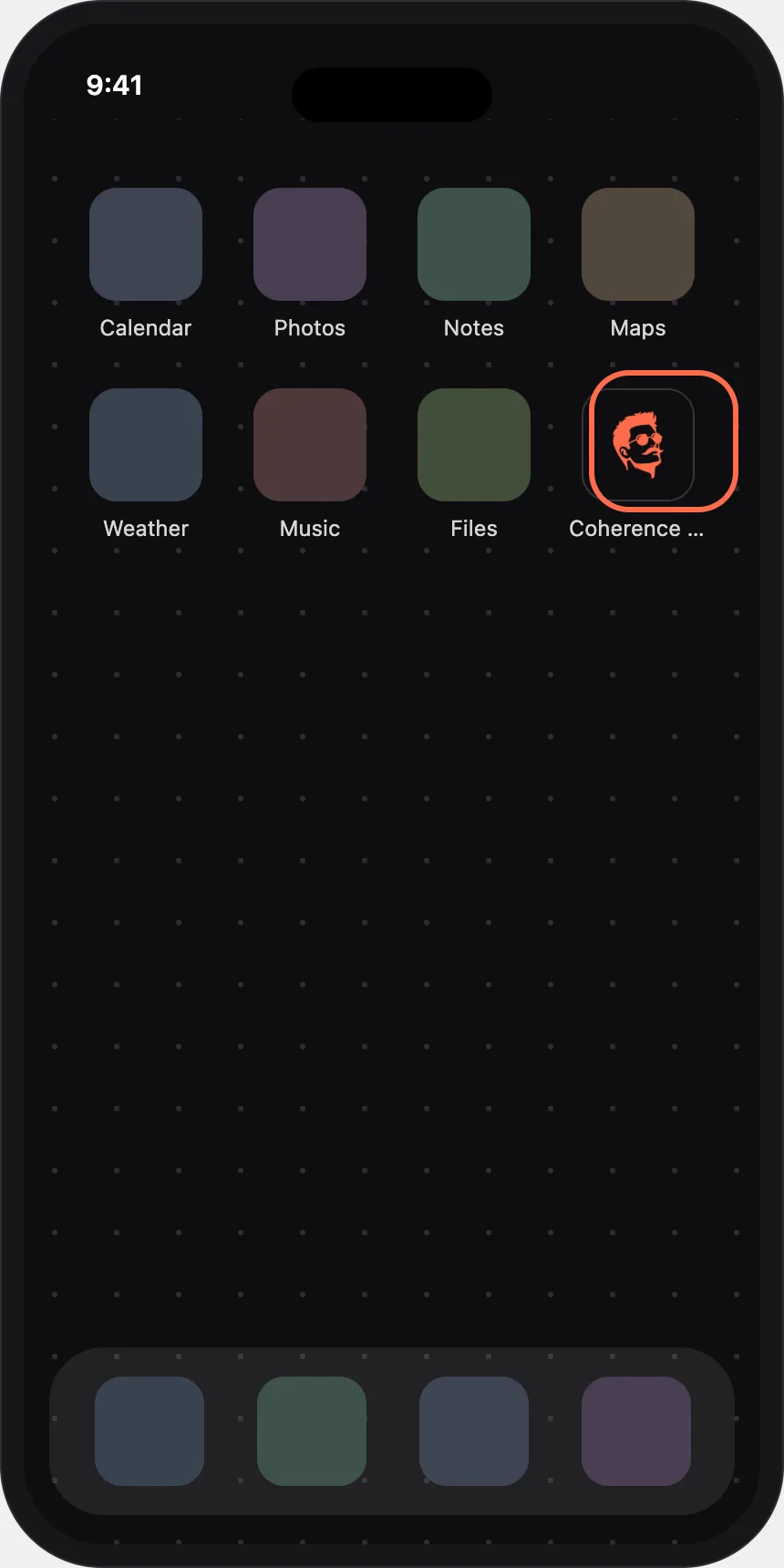
Done. Look for the face on your home screen.
Tap it any time — it opens full screen, like an app.
Don't see the option?
- On iPhone: it only works in Safari. Copy the address into Safari and try again.
- On Android: it works best in Chrome. Open the site in Chrome and try again.